
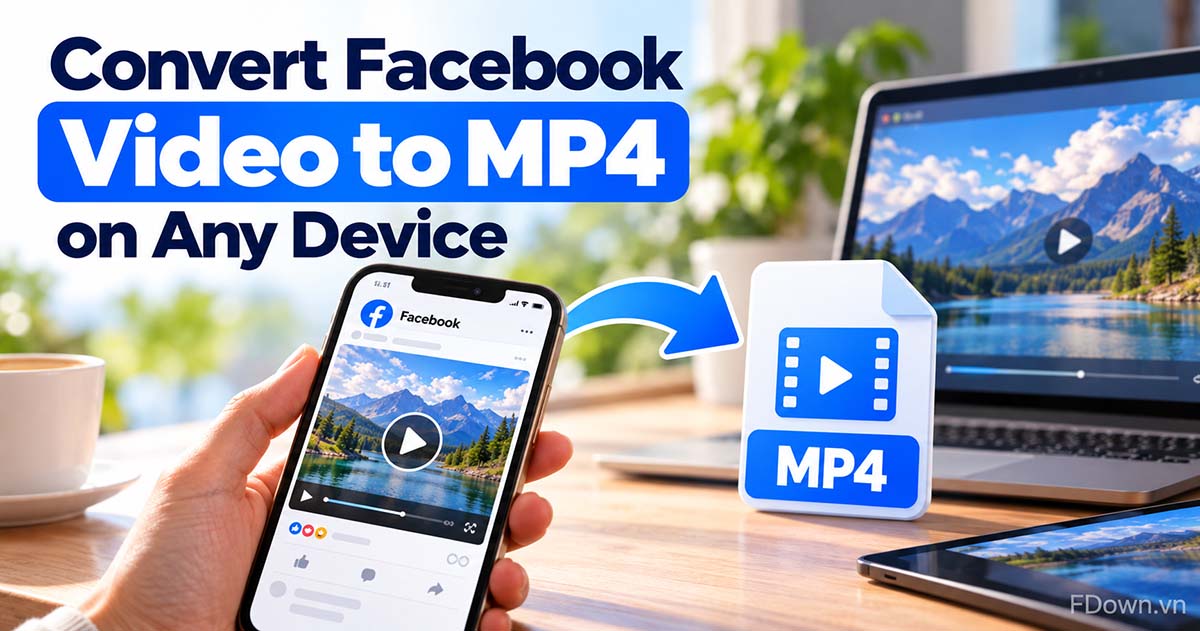
How to Convert a Facebook Video to MP4 on Any Device
Convert a Facebook video to MP4 without a converter: copy the link, paste it and save the MP4 file. Learn what MP4 is and which quality or MP3 to pick.
Download Facebook videos in HD 1080p, 2K, 4K.
Free, no sign-up. FDown never stores the videos or links you paste.
Open Facebook, find the video you want to download, click Share and select Copy link.
Go to FDown.vn, paste the video link into the input box and click the Download button.
Select your desired video quality (1080p, 720p, 540p, 360p) and click download. Save the Facebook video to your computer or mobile device.
Android tip: install the FDown app to paste links and download videos right in the app, faster with no browser needed. Get the app
FDown.vn is a free online Facebook video downloader that helps you save FB videos to your device quickly without installing any software. Supports multiple formats like MP4, MP3, and high quality 1080p, 2K, 4K (if the original video supports it). FDown.vn is compatible with phones, computers, and all browsers.
Yes. FDown.vn doesn't require Facebook login and doesn't store personal information. You can download Facebook videos safely without worrying about viruses or data leaks.
Just 3 simple steps:
Step 1: Copy the Facebook video link.
Step 2: Paste it into the search box on FDown.vn.
Step 3: Choose format, quality, and click Download.
The video will be processed and downloaded in seconds.
Yes. Every download is a standard MP4 file, so there is no need for a separate Facebook to MP4 converter. If the original video was uploaded in 1080p, 2K, or 4K, you can pick that quality.
Yes. You can paste multiple links and download them all at once with our tool Bulk Facebook video downloader. On this homepage, you enter one link at a time, with no limit on the number of downloads.
No. FDown saves the original Facebook file, so it does not add any watermark or logo of its own. If the video already shows a TikTok or creator watermark, that mark was burned in by whoever made the video and no downloader can remove it.
Yes. The tool is 100% free to download Facebook videos, no registration required, and unlimited downloads.
Phone: the Downloads folder (Android) or the Files app (iPhone); open the file and choose Save to Photos to add it to your camera roll.
Computer: Browser's Downloads folder.
Yes. FDown is a browser-based FB video downloader: it works in Chrome, Safari, Edge or Firefox on iPhone, Android, Windows and Mac with nothing to install. On iPhone, use Safari or Chrome, then save the video to the Files or Photos app.
Yes. FDown offers an Android app for frequent downloaders: copy a Facebook video link, paste it into the app and download right away, faster with no browser needed. The web version remains fully featured, so installing the app is optional. Get the FDown app for Android
Yes, but not with the link box on this page: it only handles public videos. For private videos or videos in private groups that your account can view, use the dedicated page source tool: Download private Facebook videos
Please check:
- Is the video link correct
- Is the video set to public
- Internet connection
If the error persists, contact: contact@fdown.vn for support.
Convert a Facebook video to MP4 without a converter: copy the link, paste it and save the MP4 file. Learn what MP4 is and which quality or MP3 to pick.
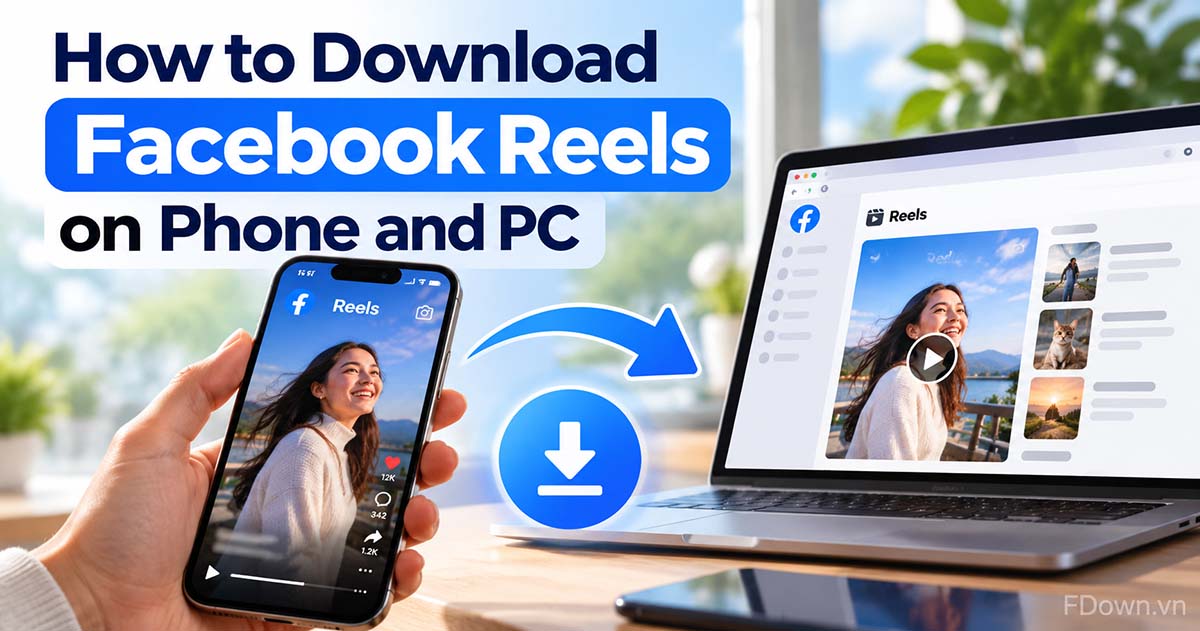
How to download Facebook Reels on Android, iPhone or PC: copy the reel link, paste it and save the MP4. Also see the built-in option for your own reels.
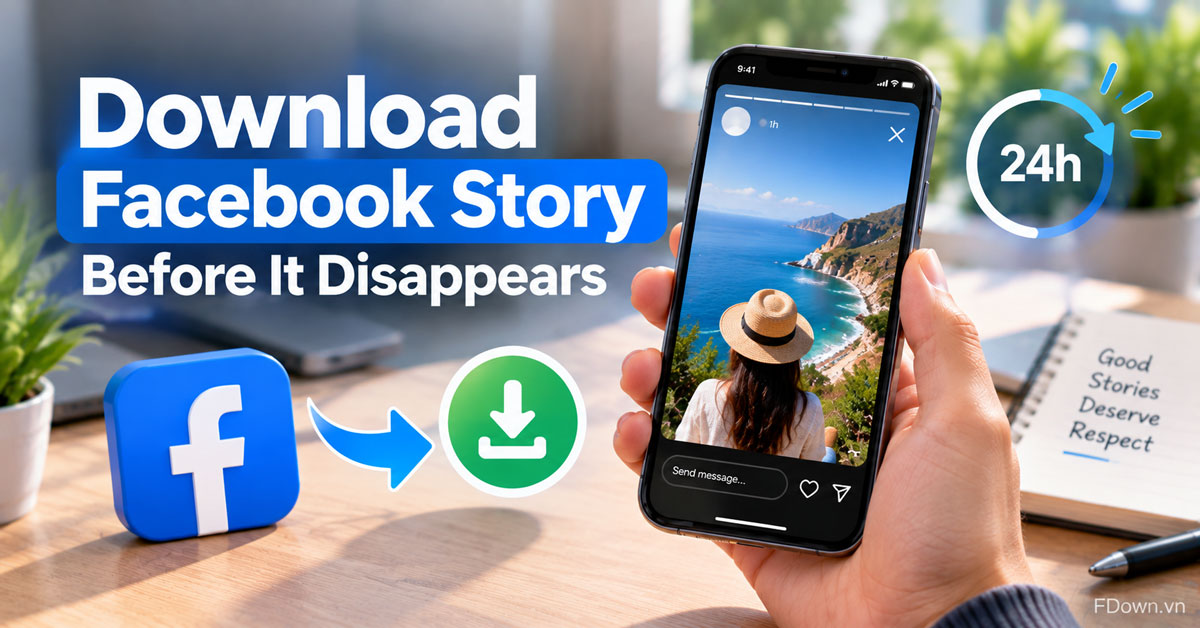
Download someone's public Facebook story from its link in 3 steps before the 24 hours run out. See which stories can't be saved and how to respect privacy.
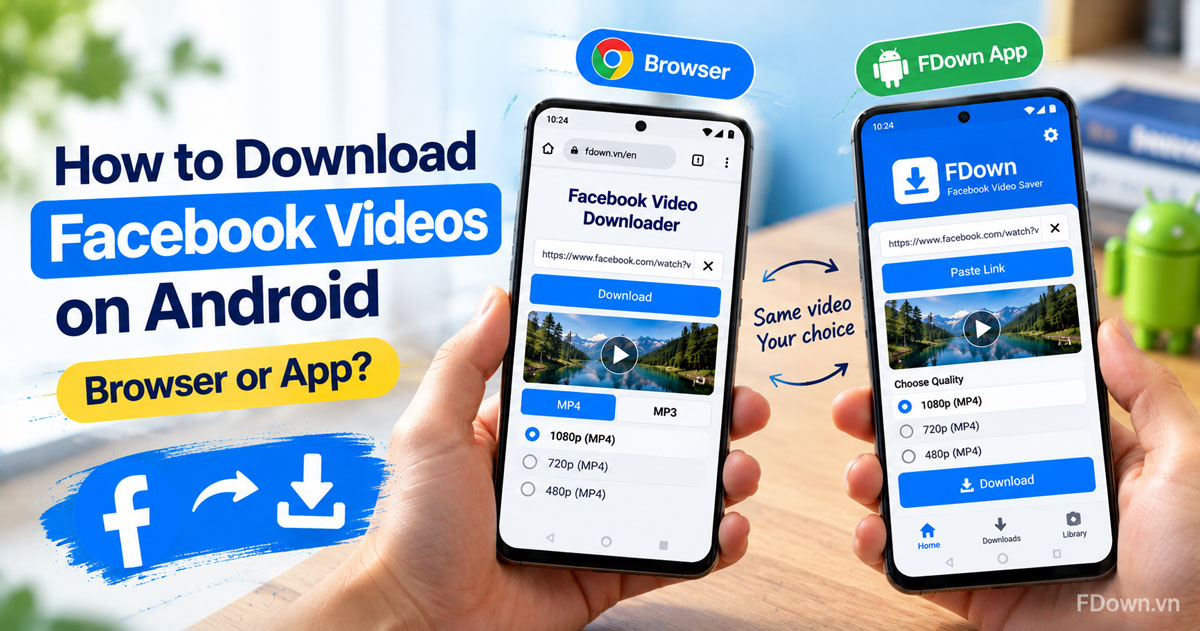
Download Facebook videos on Android with Chrome in 3 steps, or use the FDown app from Google Play. Compare both ways and fix common download errors.
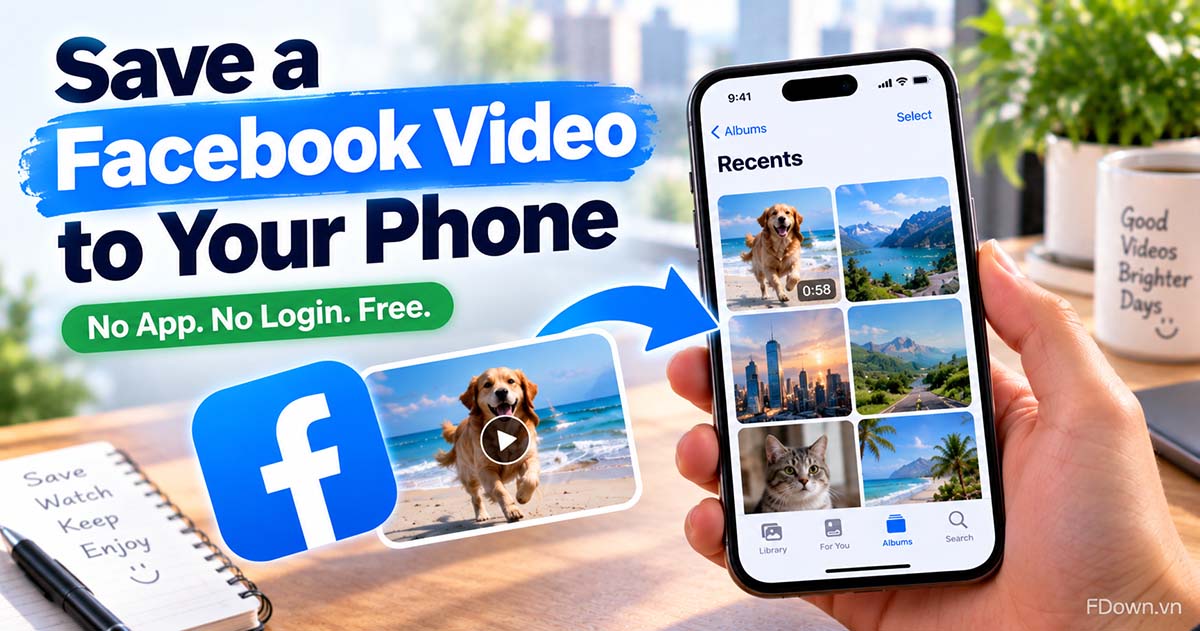
Save a Facebook video to your phone in 3 steps, then move it into your Android gallery or iPhone camera roll. Free, no app, no Facebook login needed.
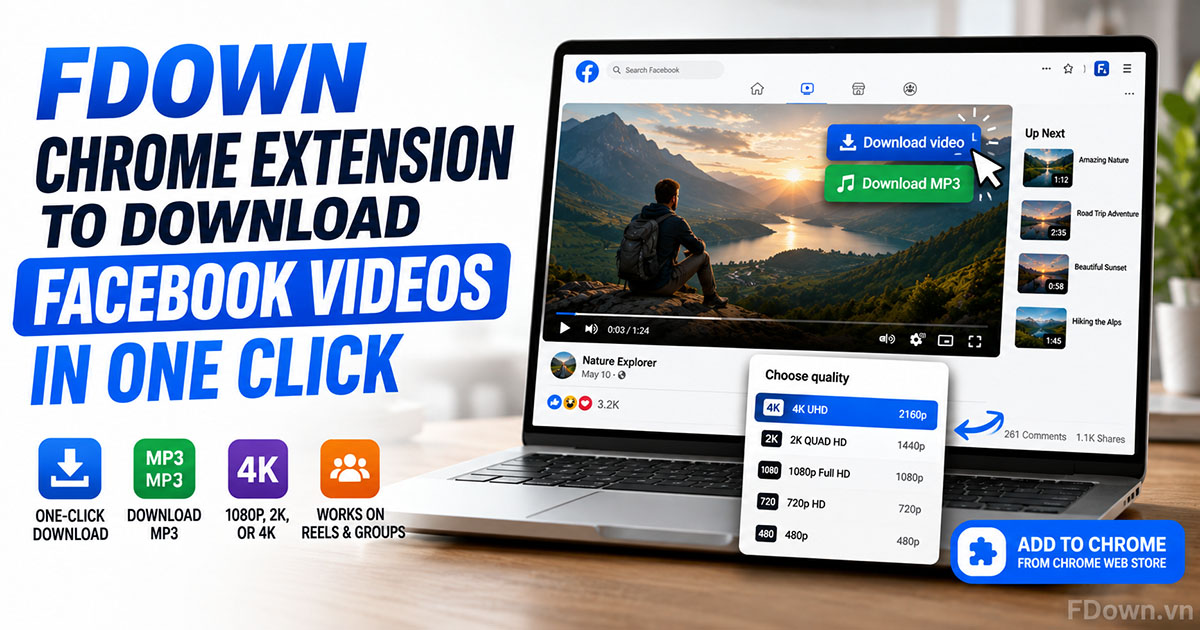
Learn what the FDown Chrome Extension is, how to add it to Google Chrome from the Chrome Web Store, and how to download Facebook videos, Reels, and group videos in 1080p, 2K, or 4K with one click.
Important Notes on Content Copyright: FDown.vn is not affiliated with Facebook or Meta Platforms, Inc. We only support downloading Facebook videos for legitimate purposes and are not responsible for how content is used after downloading. Please do not use videos for commercial purposes without permission. See also Privacy Policy and Terms of Service.