
How to Convert a Facebook Video to MP4 on Any Device
Convert a Facebook video to MP4 without a converter: copy the link, paste it and save the MP4 file. Learn what MP4 is and which quality or MP3 to pick.
Convert a Facebook video to MP4 without a converter: copy the link, paste it and save the MP4 file. Learn what MP4 is and which quality or MP3 to pick.
How to download Facebook Reels on Android, iPhone or PC: copy the reel link, paste it and save the MP4. Also see the built-in option for your own reels.
Download someone's public Facebook story from its link in 3 steps before the 24 hours run out. See which stories can't be saved and how to respect privacy.
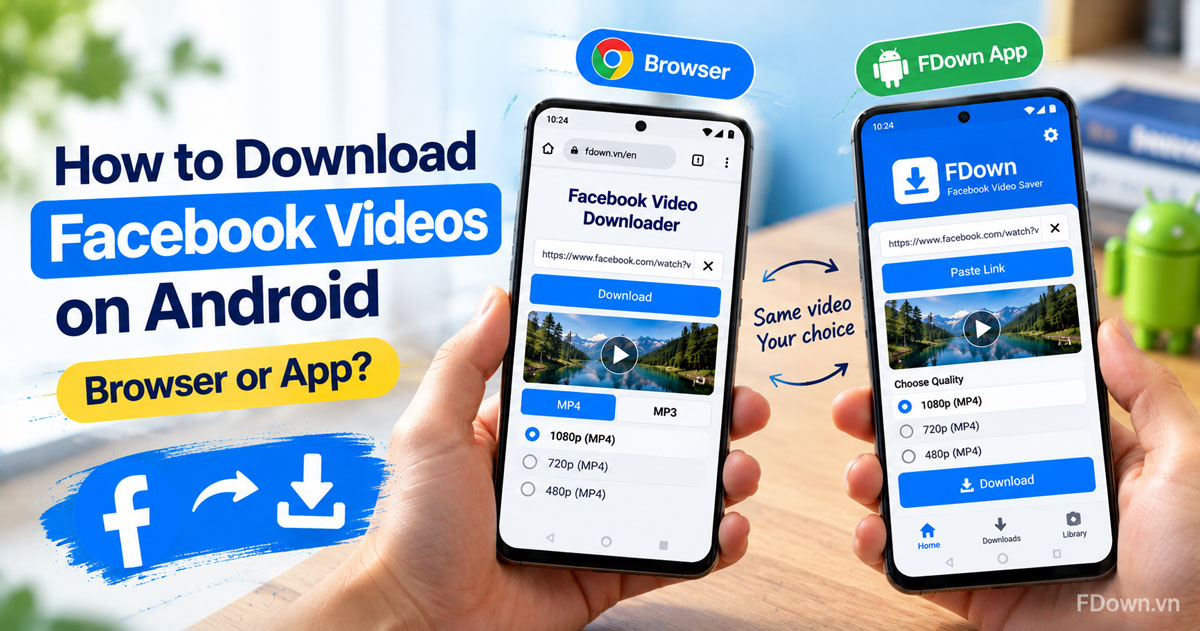
Download Facebook videos on Android with Chrome in 3 steps, or use the FDown app from Google Play. Compare both ways and fix common download errors.
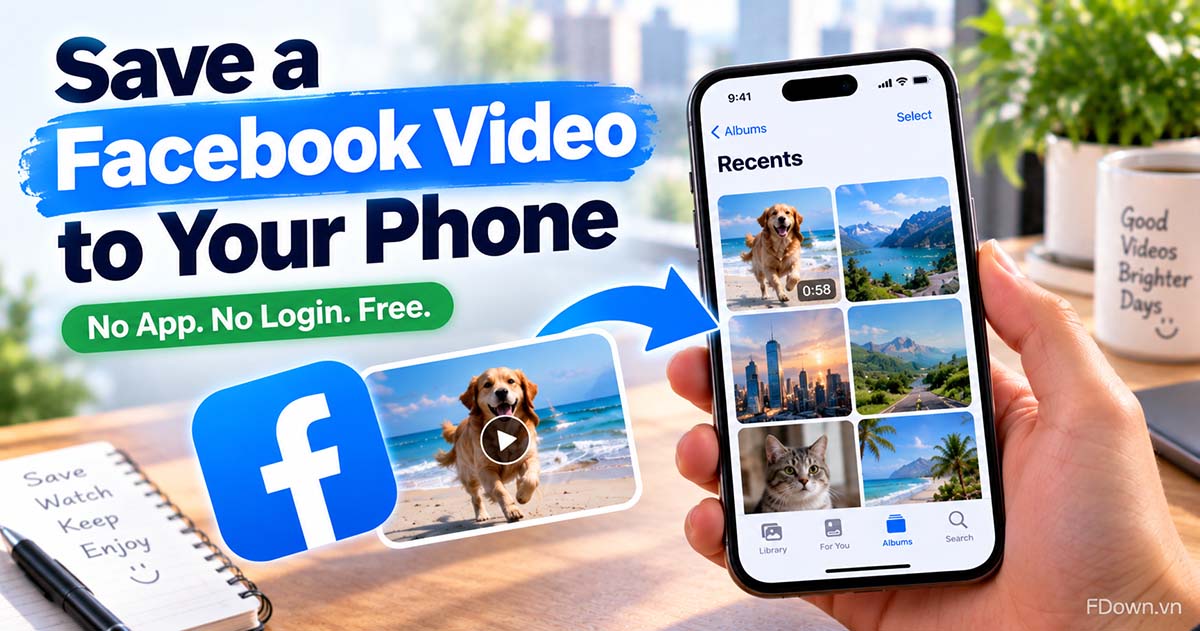
Save a Facebook video to your phone in 3 steps, then move it into your Android gallery or iPhone camera roll. Free, no app, no Facebook login needed.
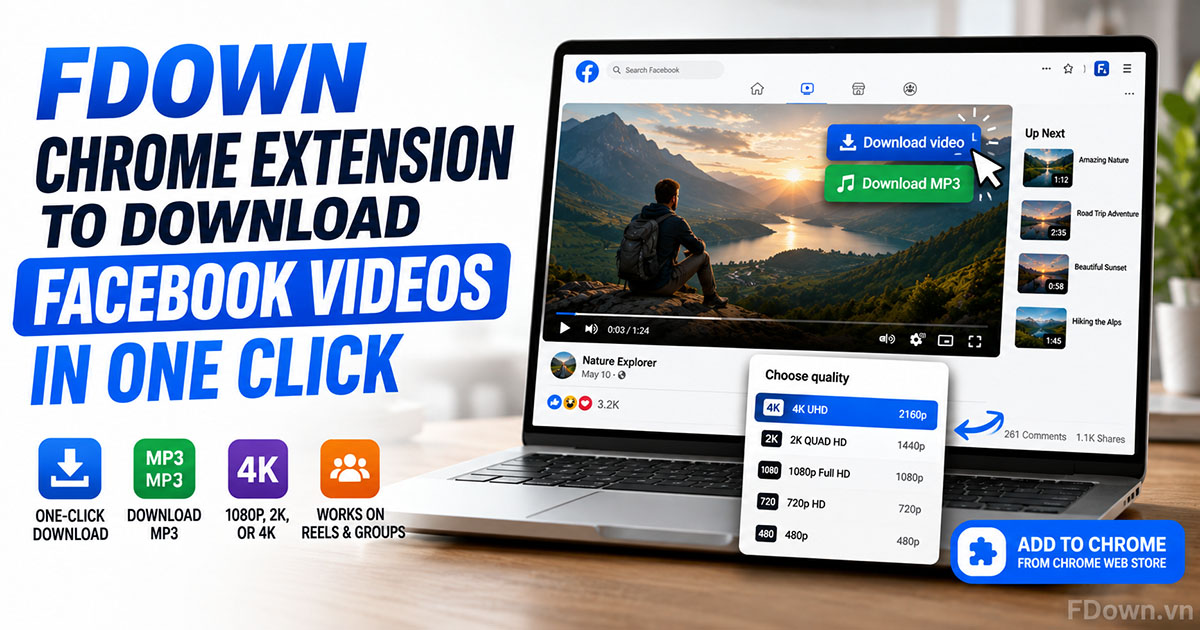
Learn what the FDown Chrome Extension is, how to add it to Google Chrome from the Chrome Web Store, and how to download Facebook videos, Reels, and group videos in 1080p, 2K, or 4K with one click.
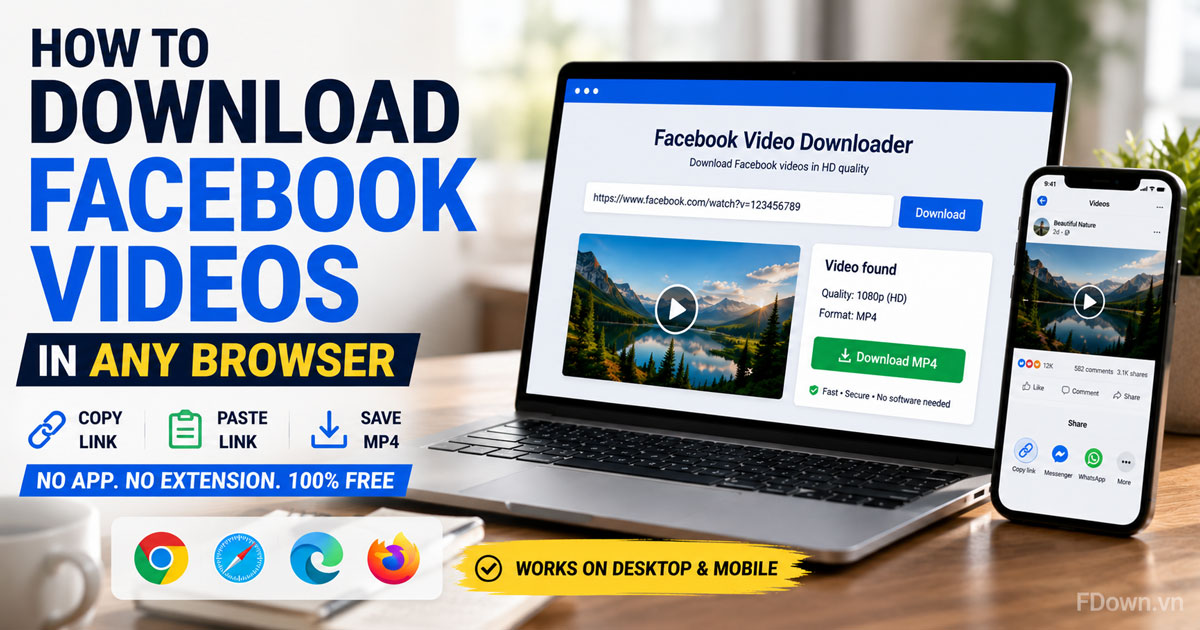
Learn how to download Facebook videos in any browser with no app and no extension. Copy the link, paste it, save the MP4 on Chrome, Safari, Edge, Firefox or your phone, and find out where the file lands.