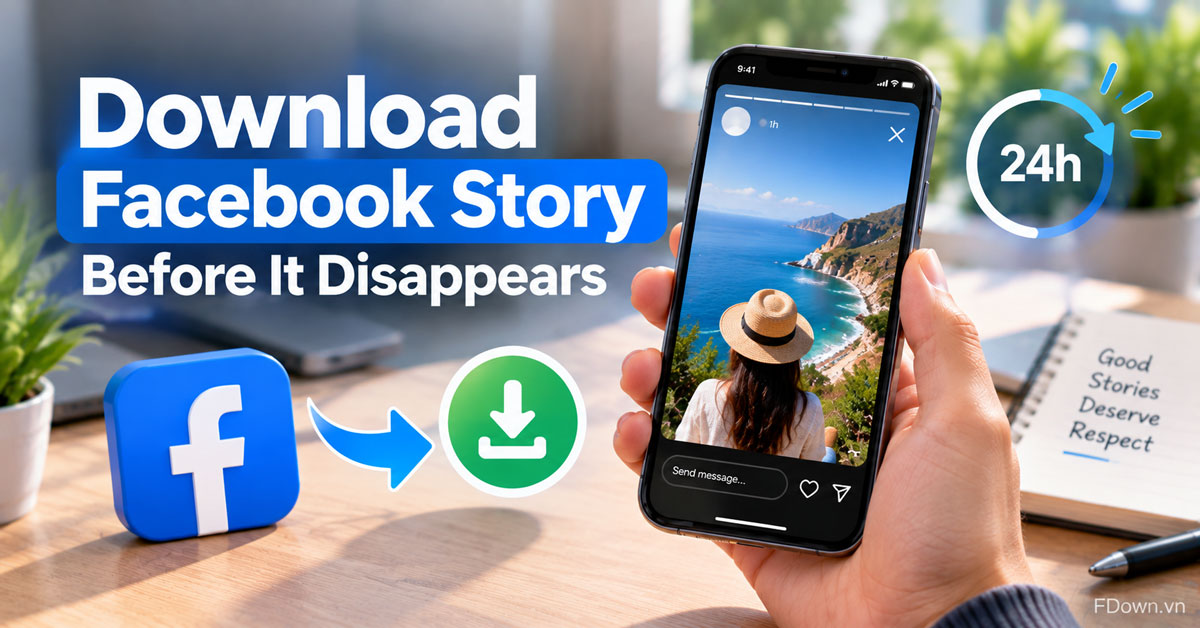
To download someone's Facebook story, copy the link of a public story while it is still live, paste it into a Facebook downloader in your browser and tap Download to save it as an MP4 file. This works only for public stories, and only within the 24 hours before the story disappears.
Specifically, the process takes 3 steps: open the story and copy its link, paste the link into the downloader box, then choose a format and quality and tap Download. You do not need to log in to Facebook on the downloader, and the file is saved without any extra watermark added by the tool.
On a phone, the saved story goes to the same places as any other download. Android puts it in the Downloads folder, where your gallery can show it. iPhone puts it in the Files app, and you tap Share, then Save Video to move it into your camera roll.
Below, you will first see which stories can and cannot be saved, since that decides whether the steps will work at all. After the steps, the guide explains what to do on Android and iPhone, why private stories cannot be downloaded from a link, and how to respect the privacy of the person who posted the story.
Can you download someone's Facebook story?
Yes, you can download someone's Facebook story if the story is public, it is still within its 24 hours, and you can copy a link to it, because a downloader can then read the story like a public video.
To put it simply, the question is not who posted the story but who is allowed to see it. When a person shares a story with a public audience, anyone can open it during its lifetime, and a downloader can reach the same video from the link. When the story is limited to friends or a custom list, the public link method cannot reach it, even if you can see it in your own app.
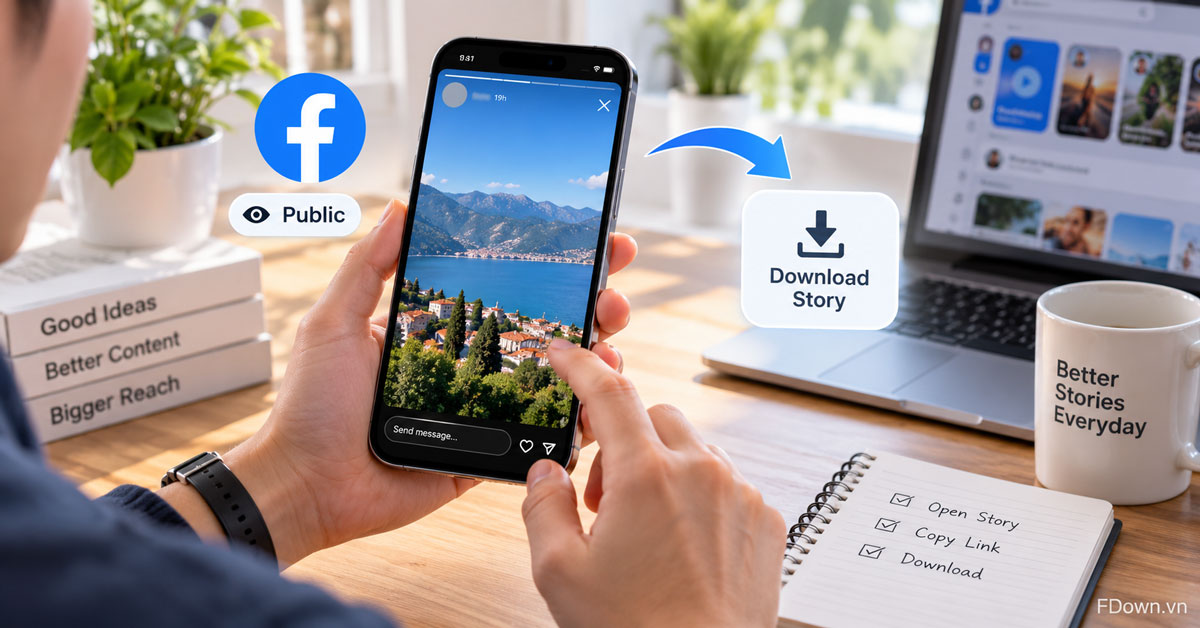
Three conditions decide whether a download will work:
- The story is public. Pages, creators and some personal accounts share stories publicly. These are the stories you can save from a link.
- The story is still live. Once the 24 hours pass, the story is no longer available in Stories, so there is nothing left to download.
- You have the correct link. The downloader needs the link to the story itself, not to the person's profile.
Most people who want to save a story are looking at public content from Pages and creators: a recipe demo, a short event update, a product announcement or a travel clip that will not be posted anywhere else. These are exactly the stories the link method is built for. Stories from personal accounts are more often shared with friends only, so they are less likely to work, and they also call for more care, as the section on privacy explains further down.
Which Facebook stories can you download and which can't you?
There are four kinds of Facebook stories by audience and time: public live stories, which you can download, and friends-only stories, expired stories and archived stories, which you cannot download from a link.
To make this easy to check before you start, the table below sorts each kind of story by whether the link method works.
| Kind of story | Can you download it from a link? | Why |
|---|---|---|
| Public story that is still live | Yes | Anyone can open it, so the downloader can read it |
| Story shared with friends only or a custom audience | No | The story is not public, so the link does not open for the tool |
| Story older than 24 hours | No | It is no longer available in Stories |
| Story saved in the owner's story archive | No | Only the person who posted it can see their archive |
In practice, this means timing matters. If you see a public story you want to keep, save it the same day rather than waiting until later.
Why do Facebook stories disappear after 24 hours?
Facebook stories disappear after 24 hours because stories are designed as short-lived posts: each photo or video shared to a story stays in the Stories section for 24 hours before it is removed from view.
In other words, the time limit is part of how the feature works. According to Facebook's help page on how long photos and videos in your story are available, each item you add to your story is available in Stories on Facebook and Messenger for 24 hours. After that, the person who posted it can keep it in their story archive, which only they can see.
For you as a viewer, this sets a clear window. A downloader can only work with what is still available, so a story that has already expired cannot be recovered with any link.
How do you download someone's Facebook story with a link?
You download someone's Facebook story with a link in 3 steps: copy the story link, paste it into a Facebook downloader and tap Download, then pick a quality, and the story saves to your device as an MP4 file.
Here is the full process:
- Copy the story link. Open the public story and copy its link. The next section shows how.
- Paste the link. Open the Facebook video downloader, tap the box that says "Paste Facebook video link here..." and paste the link. Tap Download.
- Choose the format and quality. Pick MP4 to keep the video or MP3 to keep only the sound, choose a quality and tap Download again.
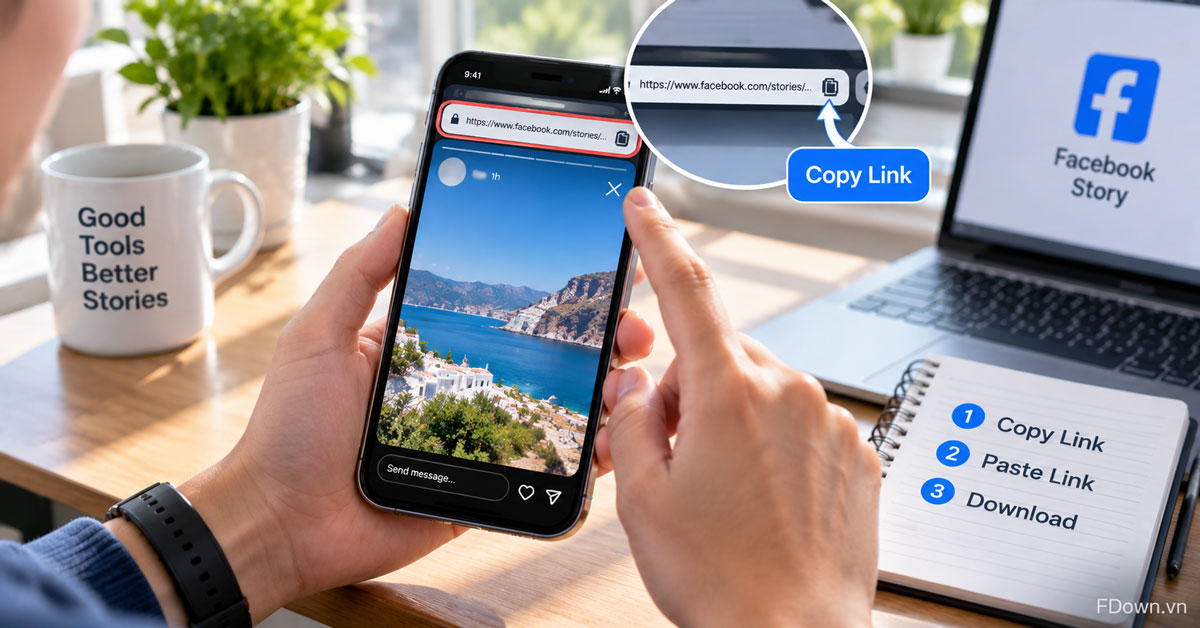
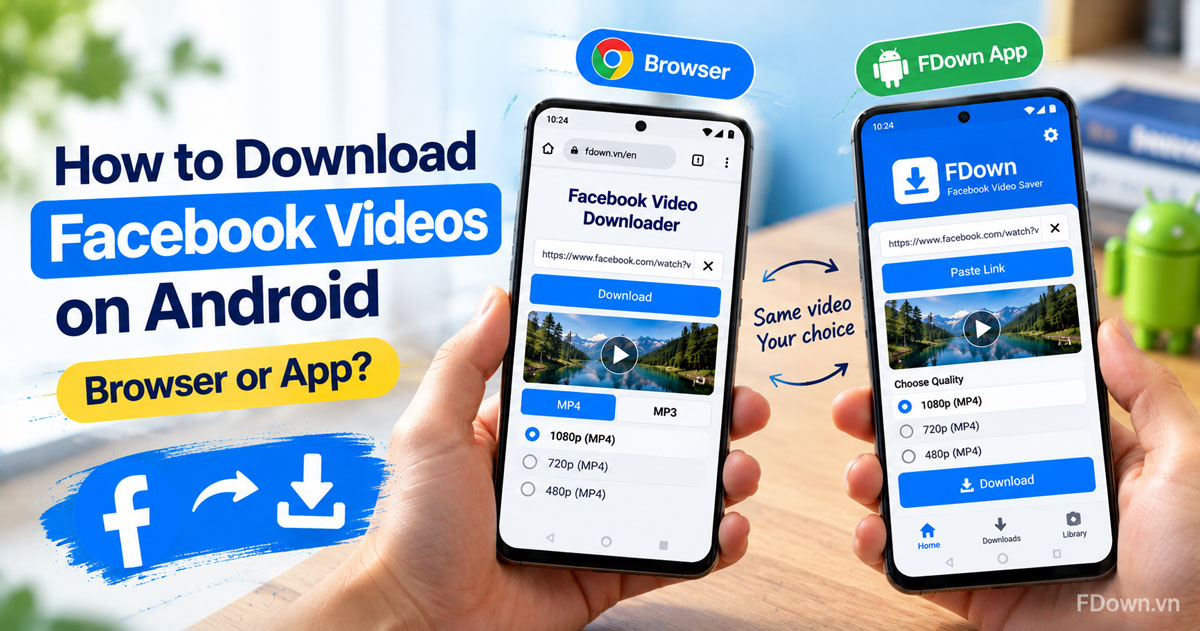
These steps are the same on a phone, a tablet or a computer. If you want more detail on how the downloader behaves in Chrome, Safari, Edge or Firefox, the guide to the link method in any browser walks through each one.
How do you get the link to a Facebook story?
You get the link to a Facebook story by opening the story in a web browser and copying the address bar, or by tapping Copy link in the Facebook app when that option appears.
To be more specific, the browser route is the most reliable one. Open Facebook in Chrome, Safari or another browser, tap or click the story so it starts playing, and copy the full address from the address bar. That address points to the story itself, which is exactly what the downloader needs.
In the Facebook app, the menu options for stories can change between app versions and between types of accounts. If you see Share or Copy link while viewing the story, you can use it. If not, switch to a browser and copy the address there.
A few tips help avoid a wrong link:
- Copy the link while the story is open, not the link to the person's profile or Page.
- If a story has several parts, open the part you want before you copy.
- Paste the link right away. Stories expire, so an old link from yesterday may no longer work.
How do you paste the link and save the story?
You paste the link and save the story by tapping the downloader input box, pasting the story link, tapping Download and then choosing an MP4 quality to start the download.
Next, the quality list shows the options available for that story. FDown offers the qualities that exist for the video, such as 1080p or 720p, and higher qualities like 2K or 4K only when the original story was uploaded that way. Many stories are recorded on phones in portrait mode, so the file will look the same shape as it did on Facebook.
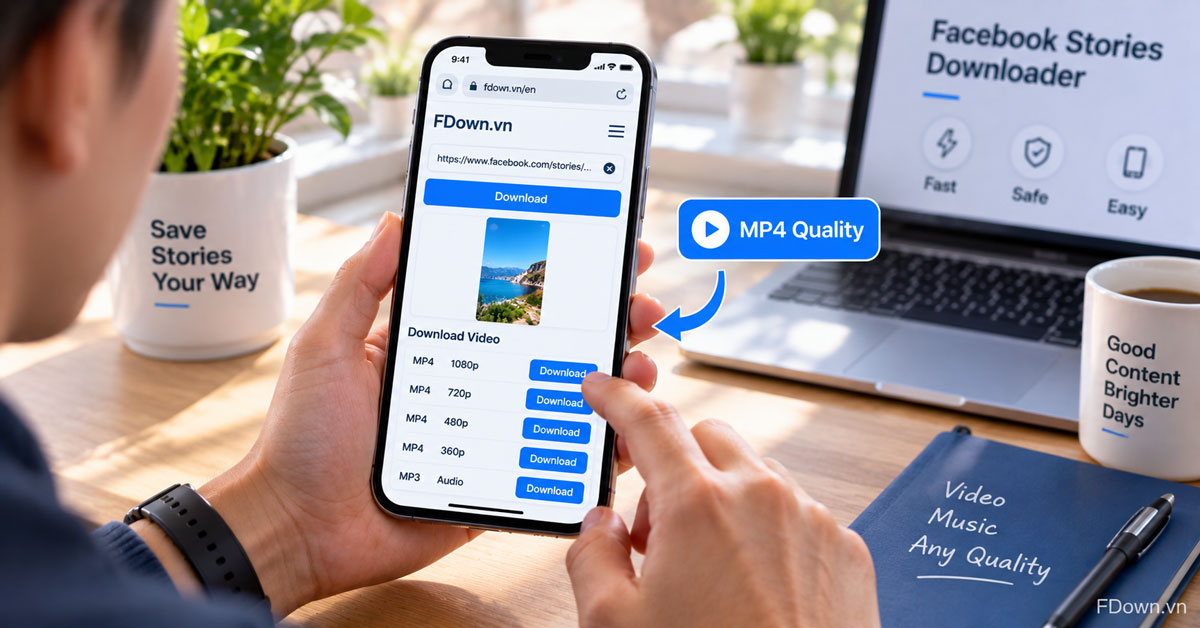
The table below helps you pick the right option for a story.
| What you want to keep | Format | Tip |
|---|---|---|
| The full story video | MP4 | Pick the highest quality listed if you want to keep it long term |
| A smaller file for a phone with little storage | MP4 | Pick 720p or lower |
| Only the voice or music | MP3 | Audio only, no picture |
Higher qualities can take a little longer to prepare, because the video and its sound are merged into one file before the download starts. Keep the page open until the download begins, and check your browser's download list to confirm that the file finished.
FDown does not ask for a Facebook login for this and does not add a watermark or logo of its own. If the story already contains text, stickers or a creator's mark, those were part of the original video and stay in the file.
How do you save a downloaded Facebook story on your phone?
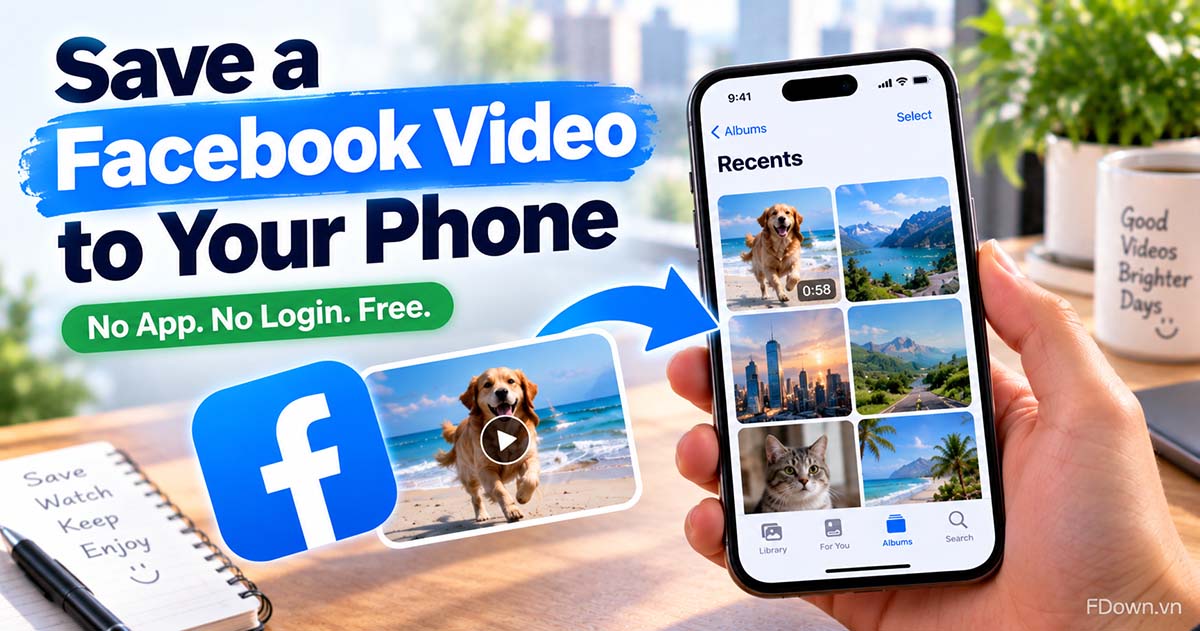
You save a downloaded Facebook story on your phone by opening the Downloads folder on Android, where your gallery can show it, or by opening the Files app on iPhone and tapping Share, then Save Video.
The download itself works the same on both systems, but where the file lands is different. The two sections below cover the essentials for each one. If you want every detail, including Google Photos folders and why a video sometimes does not appear right away, see how to save a Facebook video to your gallery or camera roll.
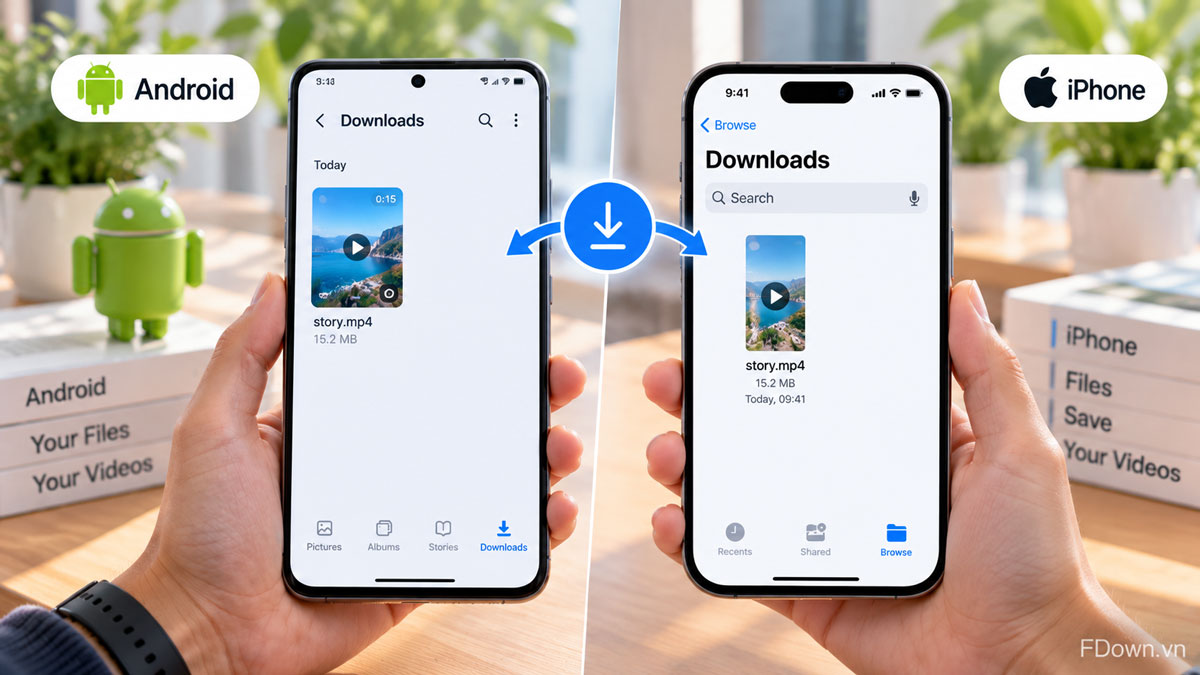
Where does the story go on Android?
On Android, a downloaded Facebook story is saved in the Downloads folder, which you can open from Chrome's Downloads list, the Files app or the Download album in your gallery.
For example, in Chrome you tap the three-dot menu, then Downloads, and the story file is at the top of the list. In Google Photos, you open Collections, then On this device, then the Download folder. Your phone's own gallery app may call the album Download or Downloads, but the file is the same.
How do you add the story to your iPhone camera roll?
You add a downloaded story to your iPhone camera roll in four steps: open the Files app, go to Downloads, open the story video, then tap Share and choose Save Video.
Here are the steps in order:
- Open the Files app and tap Browse.
- Open iCloud Drive or On My iPhone, then Downloads.
- Tap the story video to open it.
- Tap the Share button and choose Save Video.
After that, the story appears in the Photos app with your recent items. You can also reach the file quickly from Safari by tapping the Downloads button next to the address field.
Can you download a private or friends-only Facebook story?
No, you cannot download a private or friends-only Facebook story from a link, because the story is not public, the link does not open for anyone outside its audience, and a public downloader has no access to it.
This is the most common source of confusion. You might see a friend's story in your own Facebook app and expect the link to work anywhere. However, what you can see depends on your account being in the story's audience. A downloader does not log in as you, so it only sees what the public can see. For a story shared with friends only or a custom list, that is nothing.
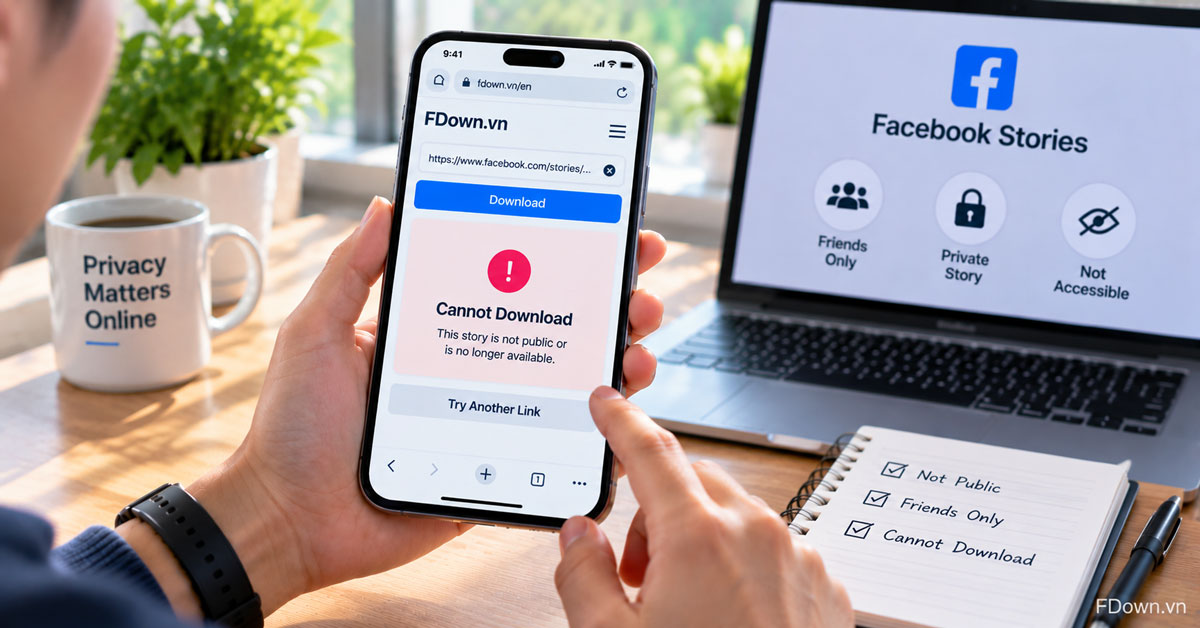
If a friend's story matters to you, the simplest and most respectful option is to ask them for the video. The person who posted it has the original file and can send it to you directly.
Why does a Facebook story fail to download?
A Facebook story usually fails to download for four reasons: the story has expired, the story is not public, the link points to the wrong place, or your internet connection dropped.
Next, go through the reasons in this order:
- The story has expired. If more than 24 hours have passed since it was posted, it is no longer available and cannot be downloaded.
- The story is not public. Friends-only and custom audience stories cannot be reached from a link.
- The link is wrong. Make sure you copied the link while the story was open, not the profile link, and that you pasted the full address.
- The connection dropped. Try again on Wi-Fi or a stronger signal, especially for high quality files.
If everything checks out and the error continues, you can email contact@fdown.vn with the story link so the issue can be looked at, as long as the story is still live.
Is it okay to download someone else's Facebook story?
Yes, downloading someone else's public Facebook story can be okay for your own personal viewing, as long as you respect the poster's privacy, do not reuse the content without permission, and remember that the story still belongs to them.
To understand why care is needed, remember what stories are for. People often share stories because they expect them to vanish after a day. Saving a copy changes that, so it is worth thinking about how the person would feel. A public story from a Page or a creator is one thing. A story from a private person, even if public, deserves more care.
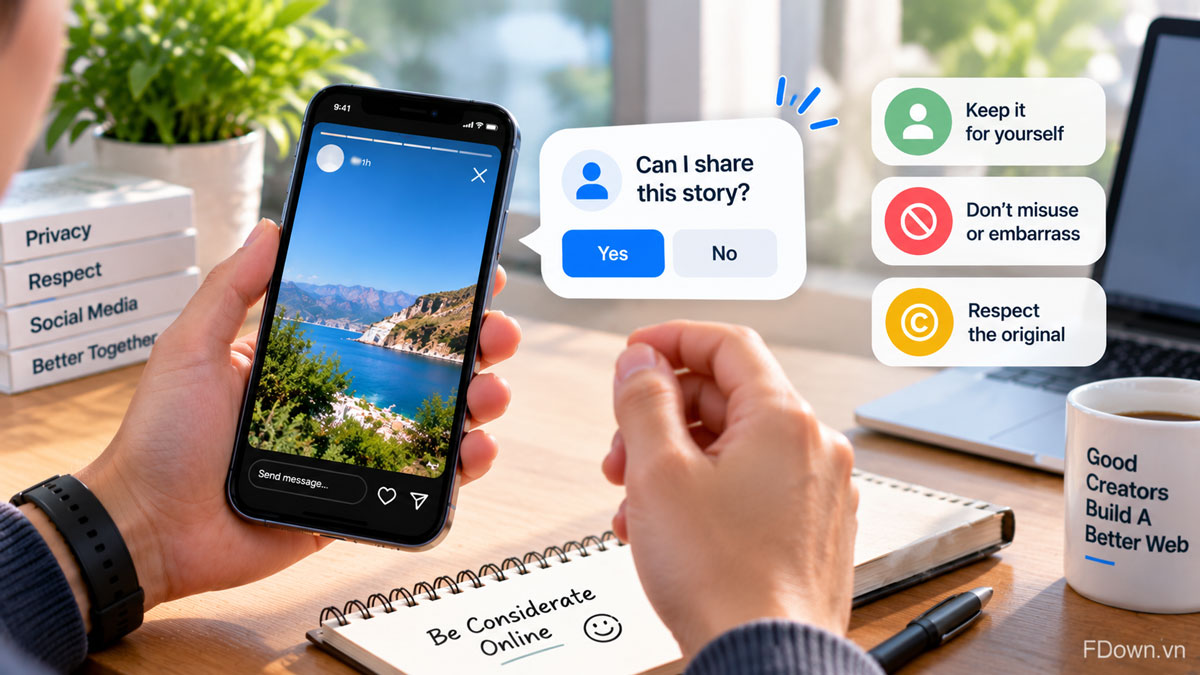
A few simple rules keep you on the right side of both privacy and copyright:
- Keep it for yourself. Watch the saved story on your own device rather than passing it around.
- Do not use it to embarrass or track anyone. Saving stories to monitor a person or share them in hurtful ways is not okay, whatever the tool.
- Respect the creator's work. Videos, music and graphics in a story may be protected by copyright.
This guide is general information, not legal advice. Rules on copyright and privacy differ between countries, so if you plan to use someone's content in a business or public project, get permission first.
Can you repost or share a story you downloaded?
No, you should not repost or share a story you downloaded without the owner's permission, because the content belongs to them, reposting can break their privacy expectations, and it can infringe their copyright.
Instead, ask the person or Page first. Many creators are happy to have their story shared when they are credited. If you just want a friend to see it while it is live, send them to the original account rather than forwarding the file.
What other ways are there to keep Facebook stories?
How do you keep your own Facebook stories with the story archive?
You keep your own Facebook stories by turning on your story archive, which saves each story automatically when its 24 hours end.
Facebook explains that after 24 hours you can keep the stories you shared in your story archive, and only you can see it. Once the archive is on, you can open old stories later, share one again or save it to your phone. This works only for stories you posted yourself. You cannot open another person's archive, which is why a link downloader cannot recover their expired stories either.
How is a Facebook story different from a post or a Reel?
A Facebook story is temporary and lasts 24 hours, while a regular post or a Reel stays on the profile or Page until the person deletes it or changes who can see it.
This difference changes how you save them. With a post or a Reel, there is no rush, and you can download a public one from its link whenever you like. With a story, the clock starts as soon as it is posted, so saving a public story you want to keep should happen the same day.